works

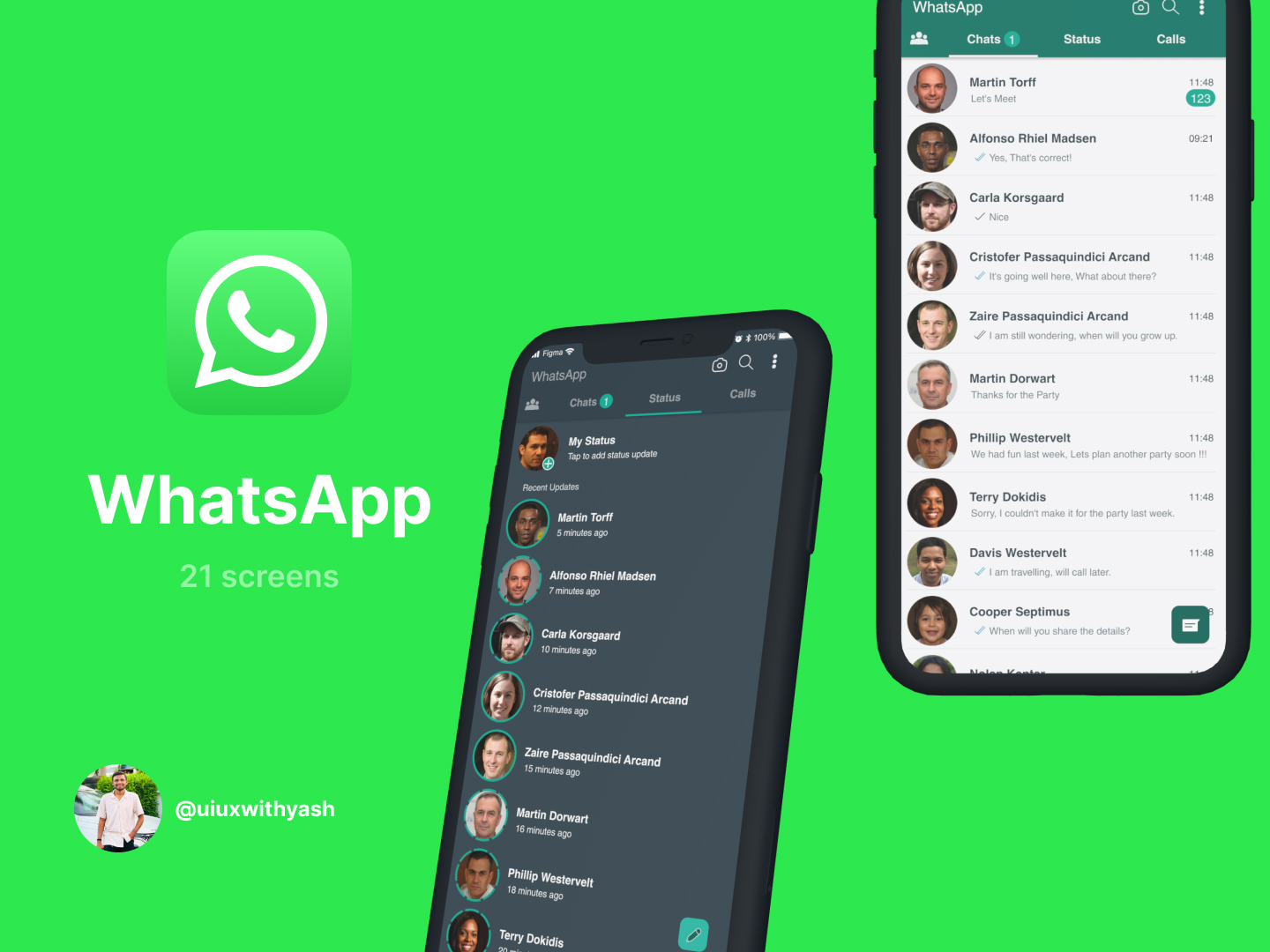
WhatsApp UI Screens

WhatsApp is a secure messaging app that enables users to send texts, make calls, share media, and stay connected across devices in real time.

Client • 

Will Walters

Category • 

UI/UX

Date • 

December 8, 2024

Project Overview:

🔹 1. Messaging Features

  • Text Messaging: Send and receive messages instantly using internet data.
  • Group Chats: Create groups with up to 1024 participants (as of 2024).
  • Voice Messages: Record and send voice notes.
  • Broadcast Messages: Send messages to multiple contacts at once without creating a group.
  • Message Reactions: React to messages using emojis.
  • Stickers & GIFs: Express emotions with animated and static stickers, GIFs, and emojis.

🔹 2. Calling Features

  • Voice Calls: High-quality audio calling over the internet.
  • Video Calls: Face-to-face conversations with up to 32 people in group video calls.
  • Call Links: Generate and share a link for others to join your WhatsApp call.

🔹 3. Media Sharing

  • Photos, Videos & Documents: Share media up to 2GB in size.
  • Location Sharing: Send live or static locations to contacts.
  • Contact Sharing: Easily share saved contacts via chat.
  • File Types Supported: PDFs, DOCs, ZIPs, spreadsheets, etc.

🔹 4. Status Updates

  • 24-Hour Stories: Share text, images, or videos that disappear after 24 hours.
  • Viewers List: See who viewed your status.
  • Privacy Controls: Choose who can view your status.

🔹 5. Security & Privacy

  • End-to-End Encryption: All messages, calls, and shared content are encrypted.
  • Two-Step Verification: Add extra security via a PIN.
  • Disappearing Messages: Set messages to vanish after 24 hours, 7 days, or 90 days.
  • Fingerprint/Face Lock: Add biometric security for app access.
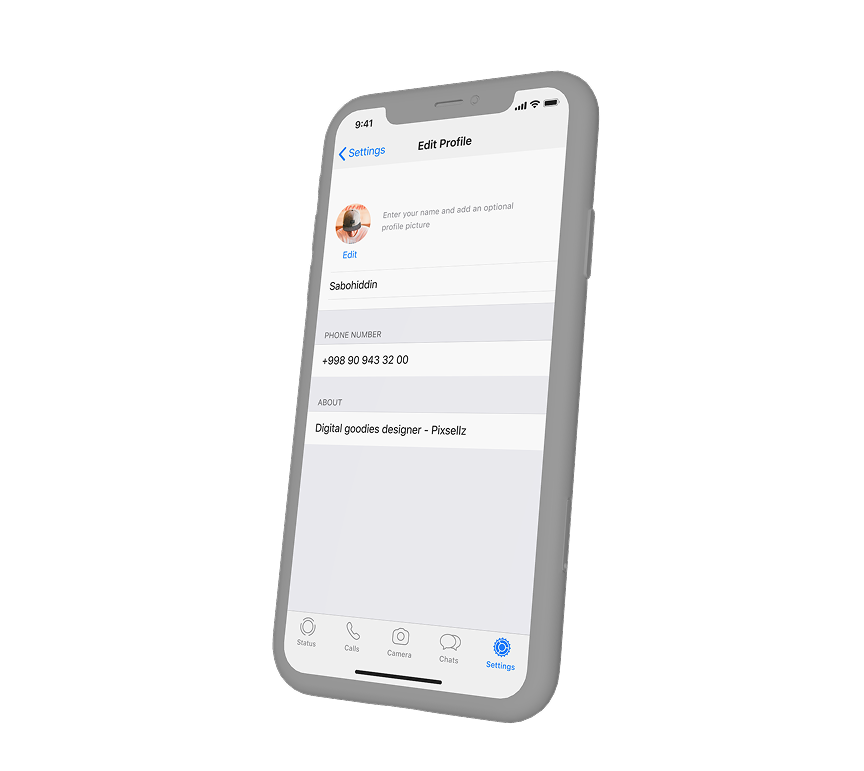
  • Privacy Settings: Control who can see your last seen, profile photo, about, and status.

🔹 6. Chat Features

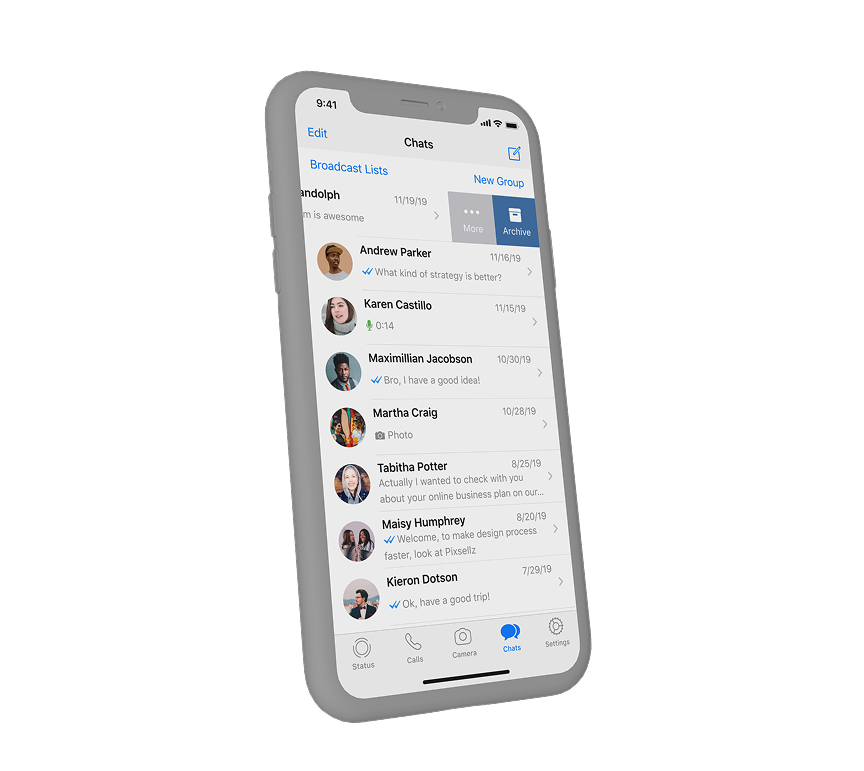
  • Pin Chats: Keep important conversations at the top.
  • Archive Chats: Move chats out of your inbox without deleting them.
  • Star Messages: Bookmark important messages for easy access.
  • Chat Search: Find messages by keywords, sender, or date.
  • Custom Notifications: Set unique tones for different contacts or groups.

🔹 7. Device & App Sync

  • Linked Devices: Use WhatsApp on up to 4 additional devices without the main phone being online.
  • WhatsApp Web/Desktop: Access messages and calls from a browser or desktop app.

🔹 8. Business Features (WhatsApp Business)

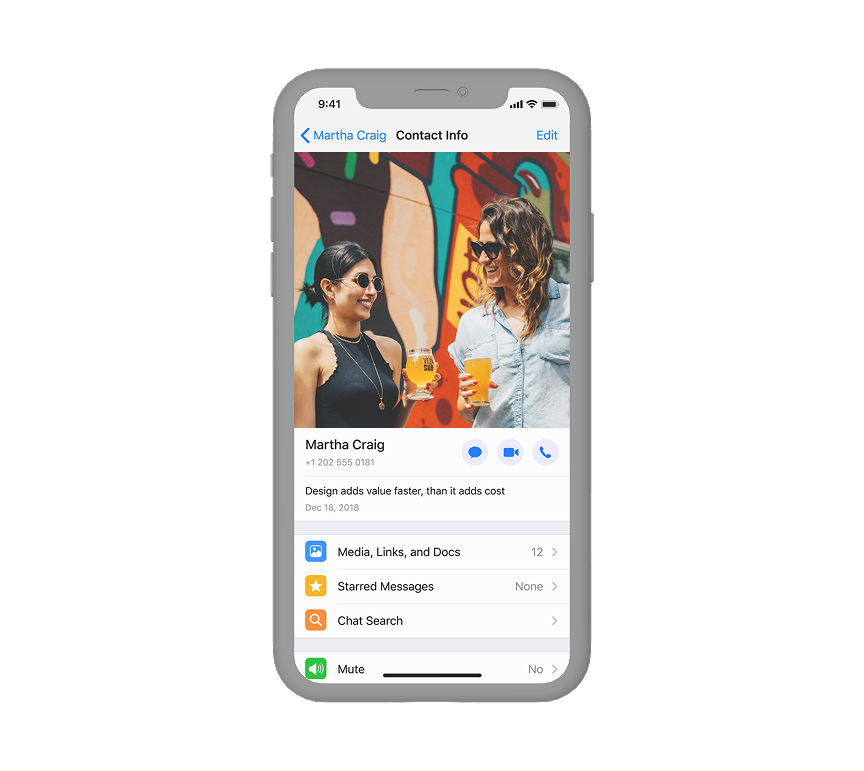
  • Business Profile: Add business info like address, description, hours, website.
  • Catalog: Showcase products/services in-app.
  • Quick Replies: Save and reuse frequent messages.
  • Labels: Organize chats with tags like “New Customer” or “Pending Payment”.
  • Automated Greetings & Away Messages

🔹 9. User Interface Features

  • Dark Mode / Light Mode
  • Swipe to Reply
  • Chat Background Customization
  • Floating Action Button (FAB) for new chats
  • Top Tabs Navigation (Chats, Status, Calls)

🔹🔹🔹🔹🔹🔹🔹🔹🔹🔹🔹🔹🔹🔹🔹🔹

FIGMA LINK
https://www.figma.com/community/file/1353321472353155310/whatsapp-ui-screens

No items found.
View Work

WhatsApp UI Screens

UI/UX
Application
View Work

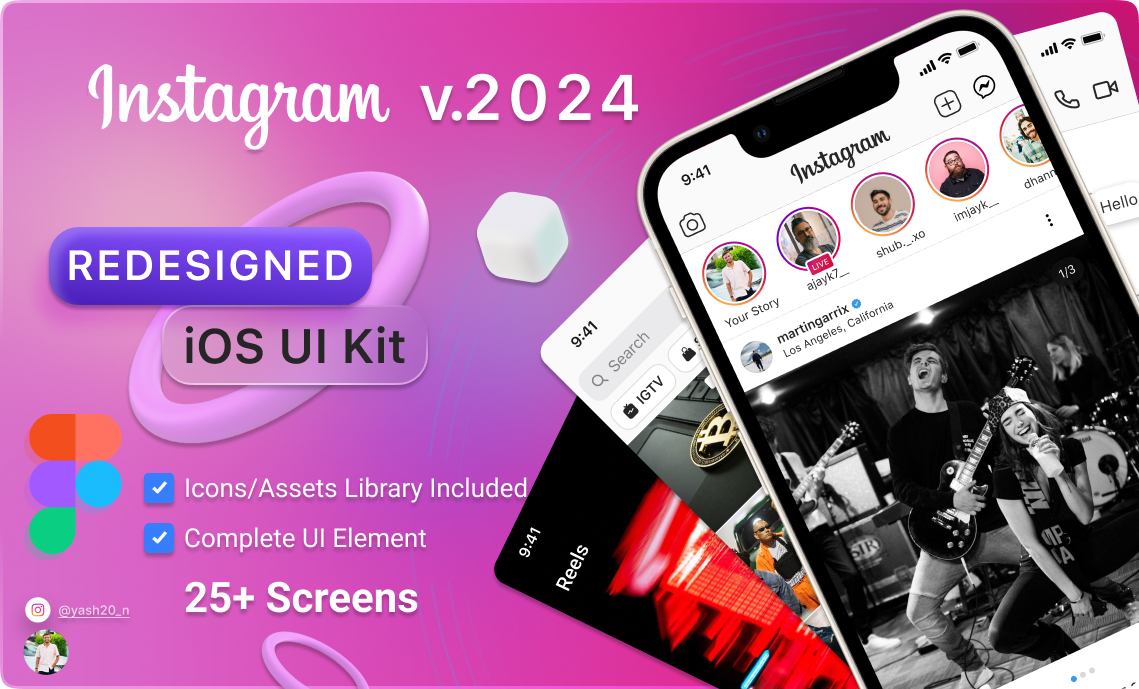
Instagram Resigned v.2024

UI/UX
Instagram Application
View Work

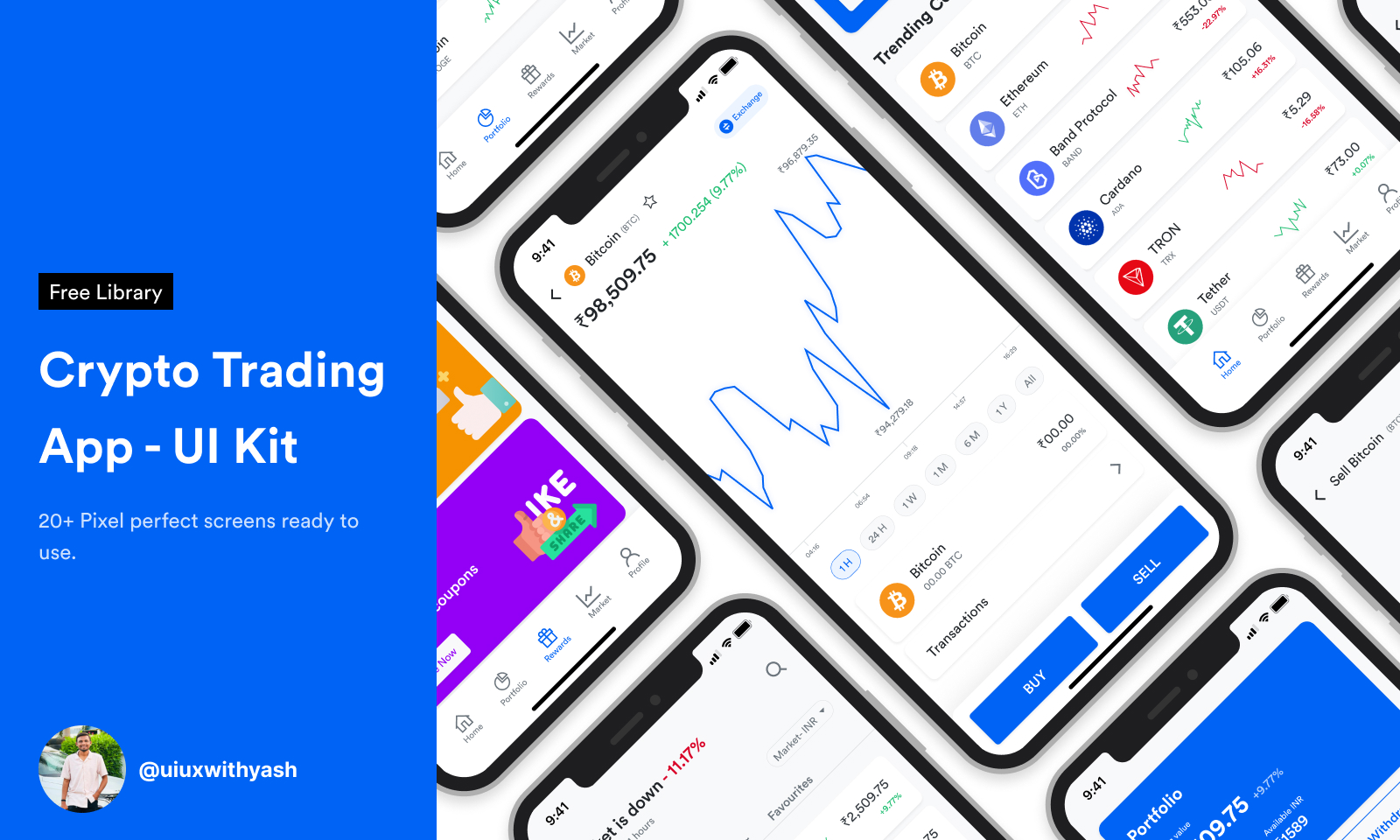
Crypto App UI Design

UI/UX
Crypto App
View Work

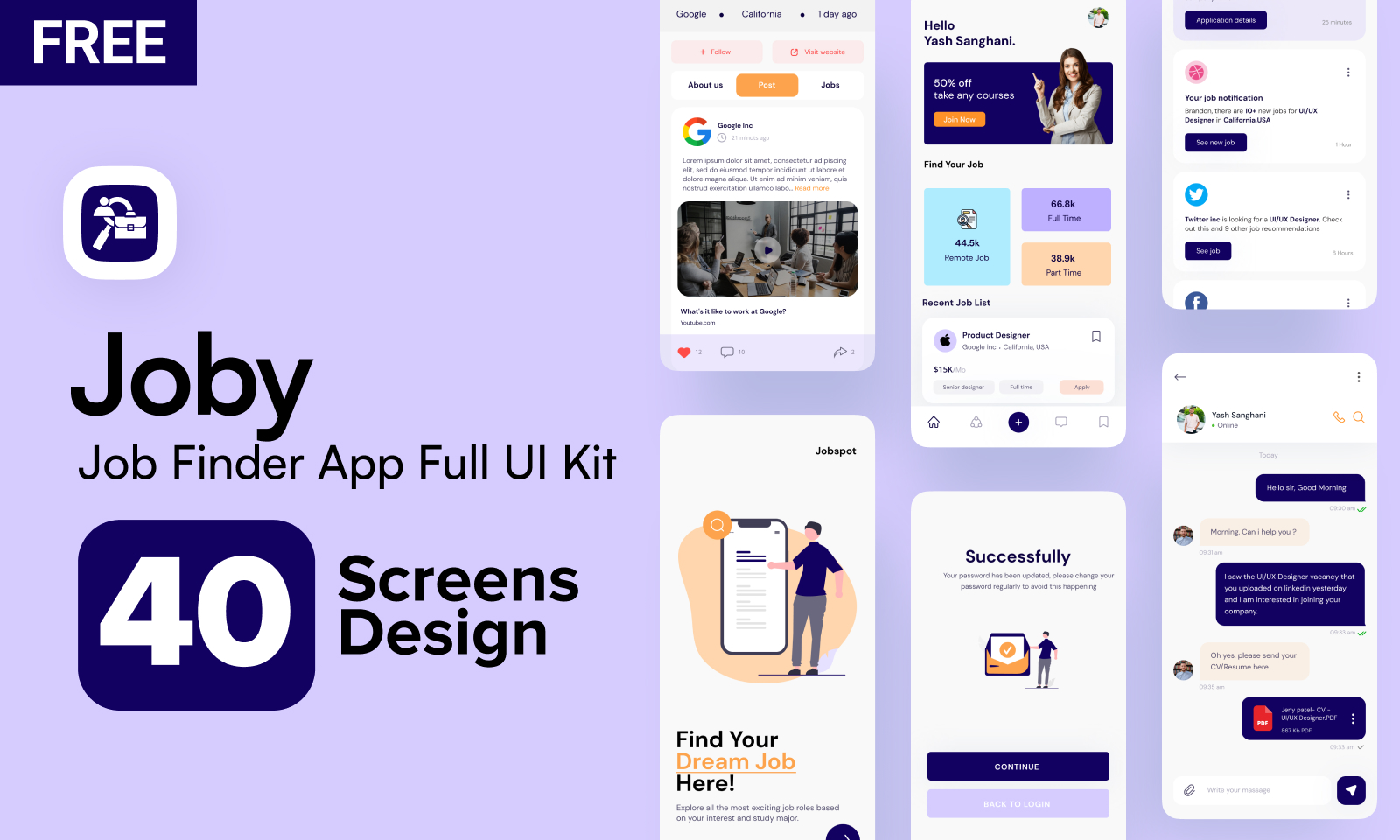
Job Finder App

UI/UX
Job Finder App (Joby)
View Work

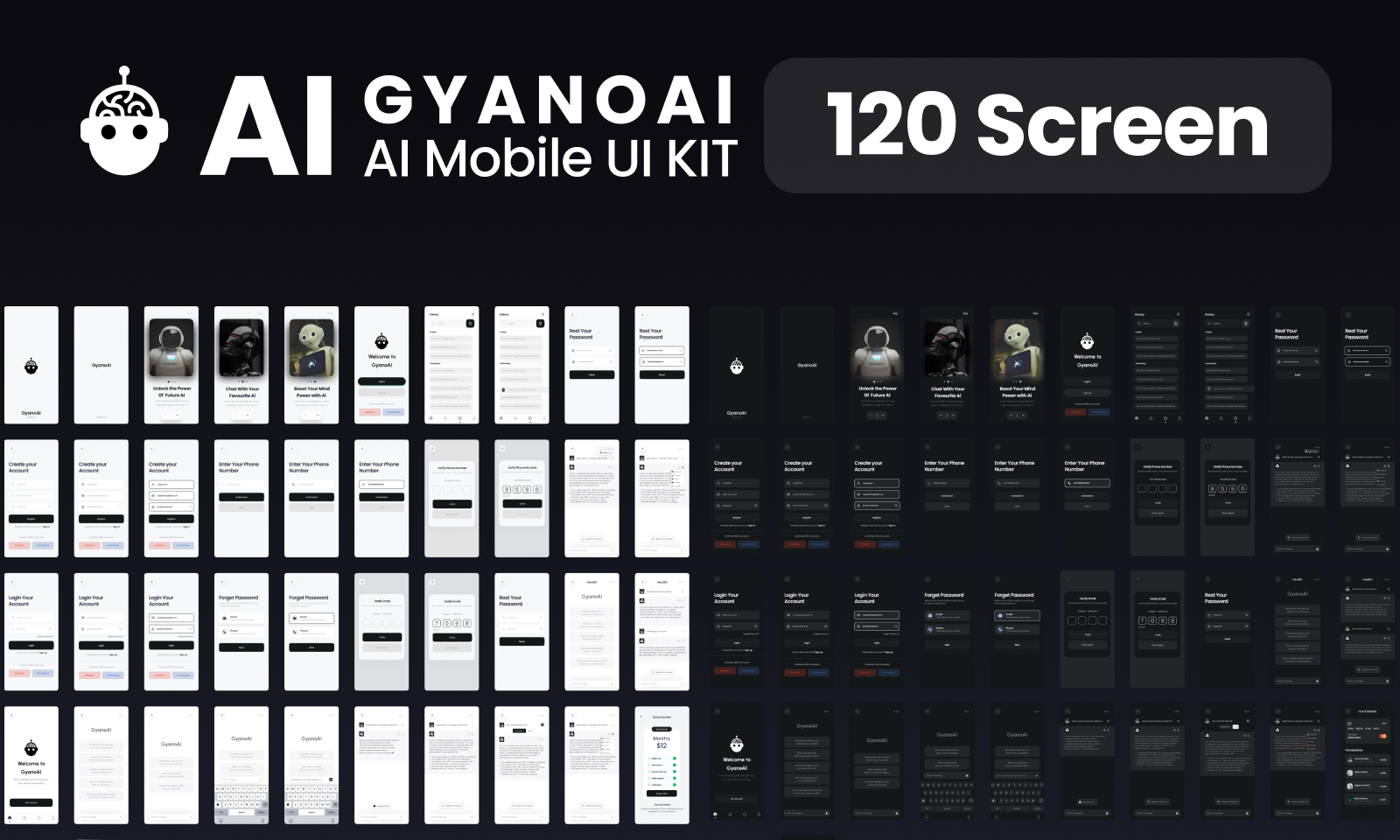
Ai GYANO ΑΙ Mobile UI KIT

UI/UX
Gyano AI ChatBot App
View Work

Graphic Design

Graphic Design
Graphic Design